Navigating through a website using the keyboard arrow keys is really useful as you don't have to look around the page for the Newer or Older page links. You might have already seen this feature on many top blogs.It’s really easy to implement this feature on your Blogger Blog.You just have to add the arrow key navigation widget to your blogger blog.
Continue Reading about BloggerPlugins- Arrow Key Navigation for Blogger
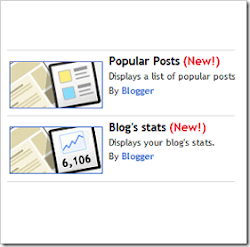
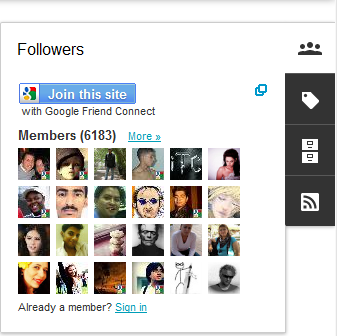 Blogger has introduced 6 awesome Gadgets for the Dynamic Views/Dynamic View Templates. The Widgets appear as a Floating Dock and expands when the user hovers over it. These Gadgets matches up with the look and feel of the CSS3 powered Dynamic Views.
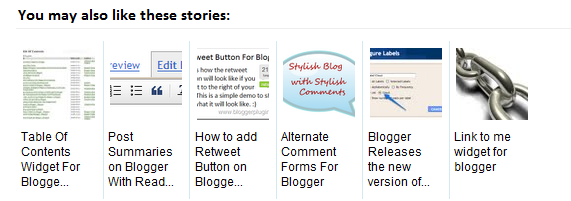
 “Keep the visitors glued to your site for long” This is what every blogger out there wants to do. The Recommended Post slide Out Widget does just that. It’s kind of an invitation to the reader to read a new post once he has read one of your blog entries. You might have seen this kind of a widget on many popular websites like New York Times, Mashable, Times of India etc.
 Christmas is pretty near and we have already started our count down. This widget does what the name suggests. It will display the number of days, hours minutes and second left till Christmas. When it reaches the target date, it will display a Greeting Message

 It’s Christmas time and it’s time to make your Blog ready to welcome the festival. With this widget you can emulate a snowfall right on your blog. Once added you should see snowflakes floating all around your blog. I have set up a demo blog where you can see the snowfall widget in action.
 This Widget Displays posts from a particular Label on your blog’s Sidebar. The display can be customized just like the Recent and Random Posts Widgets. The Widget includes resizable Post Thumbnails.
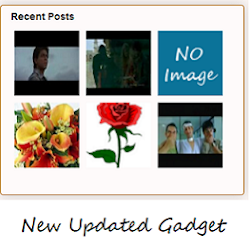 Recent Posts Widget for Blogger will display the latest posts from your blog on your blog's sidebar along with images, summary and more. You can customize the widget using the different options provided in the widget installer.At least some of you would be familiar with My "
 Some of you might have already noticed the new “Follow by Email” Gadget on your “Add a Gadget Page”. The gadget is pretty simple and easy to install.